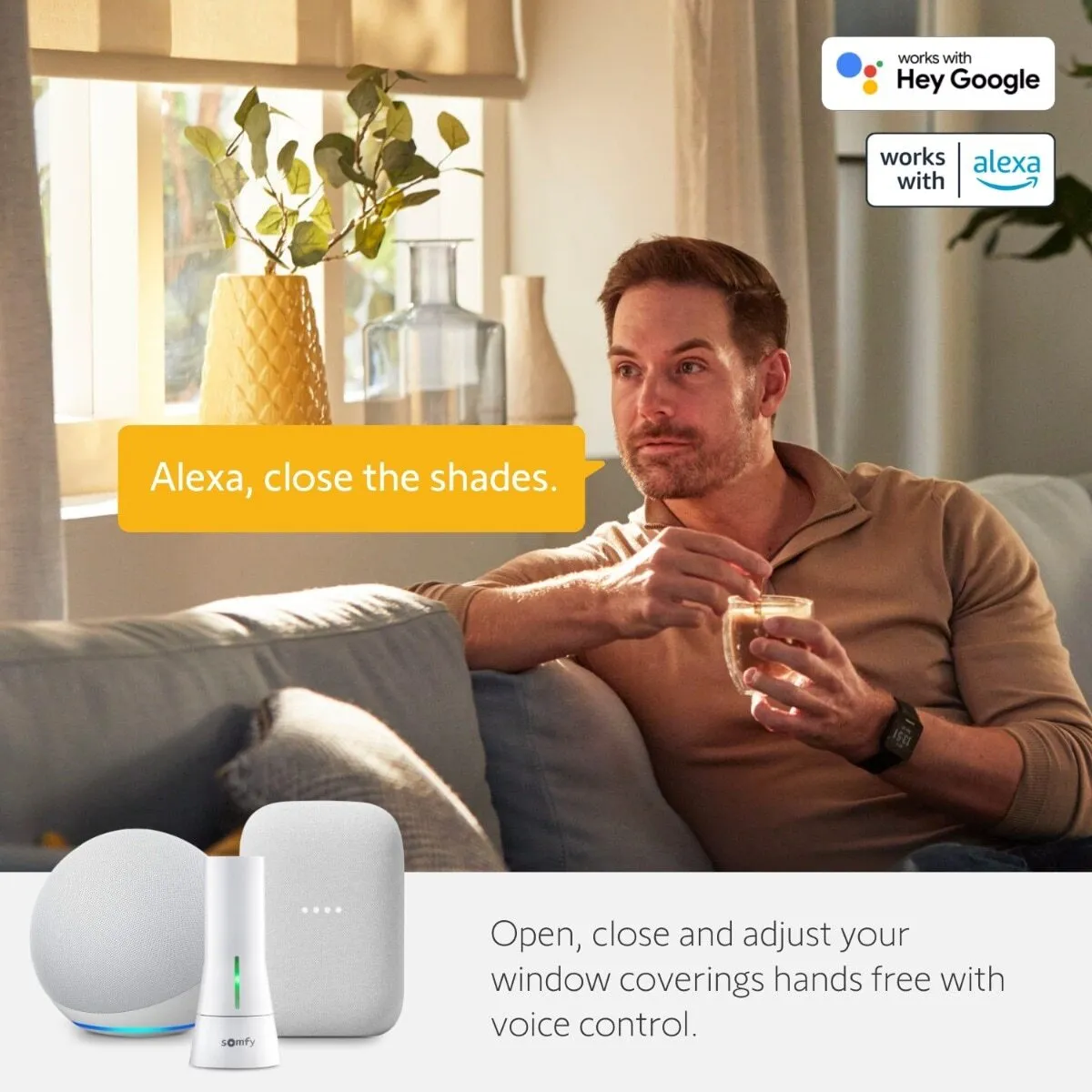
Smart home technology is revolutionizing how we live, and motorized window shades are no exception. If you’re already enjoying the convenience of Somfy motorized shades, integrating them with voice assistants like Amazon Alexa or Google Assistant can take your comfort and control to a whole new level.
Why Integrate Somfy Shades with Alexa or Google Assistant?
Voice control brings a hands-free experience to your smart home setup. By connecting Somfy shades to Alexa or Google Assistant, you can:
- Control your shades with simple voice commands
- Automate daily routines like “Good Morning” or “Movie Time”
- Use your smartphone or smart display for instant adjustments
- Improve accessibility for those with mobility challenges
How Integration Works
Somfy motorized window shades can be connected to Alexa and Google through Somfy’s TaHoma® or myLink™ systems, which act as the bridge between your smart home hub and the shades.
Integration with Amazon Alexa:
- Set up your Somfy myLink™ or TaHoma® hub.
- Enable the Somfy skill in the Alexa app.
- Link your Somfy account and discover devices.
- Use voice commands like:
- “Alexa, open the living room shades.”
- “Alexa, close all the blinds.”
Integration with Google Assistant:
- Set up your Somfy hub.
- Open the Google Home app.
- Add Somfy via Works With Google.
- Once linked, you can say:
- “Hey Google, open the bedroom blinds.”
- “Hey Google, lower the shades to 50%.”
Key Benefits of Somfy + Voice Assistant Integration
- Hands-free operation
- Customized routines
- Energy efficiency through smart scheduling
- Increased home security simulation while you’re away
- Full compatibility with other smart home devices
Devices That Work Well With Somfy Shades
- Amazon Echo (Dot, Show, Studio)
- Google Nest Hub
- Google Nest Mini
- Any device with Alexa or Google Assistant built-in
Troubleshooting Tips
- Ensure your Somfy system firmware is up to date.
- Check Wi-Fi connectivity on both the hub and your smart assistant device.
- Use clear naming conventions (e.g., “Living Room Shades”) for better voice command recognition.
Let JTP Electric Handle Your Smart Shade Installation!
At JTP Electric, we specialize in professional installation and programming of Somfy motorized window shades, smart hubs, and full integration with Alexa and Google Assistant.
Why Choose JTP Electric?
- Over 20 years of licensed electrical and smart home experience
- Full-service setup: mounting, wiring, programming & troubleshooting
- Free consultation and demo before installation
- Serving Chicago and surrounding suburbs